Getting Started
The “start here” series. Eight short videos that walk you from sign-up through to a live schedule — watch them in order on your first afternoon.
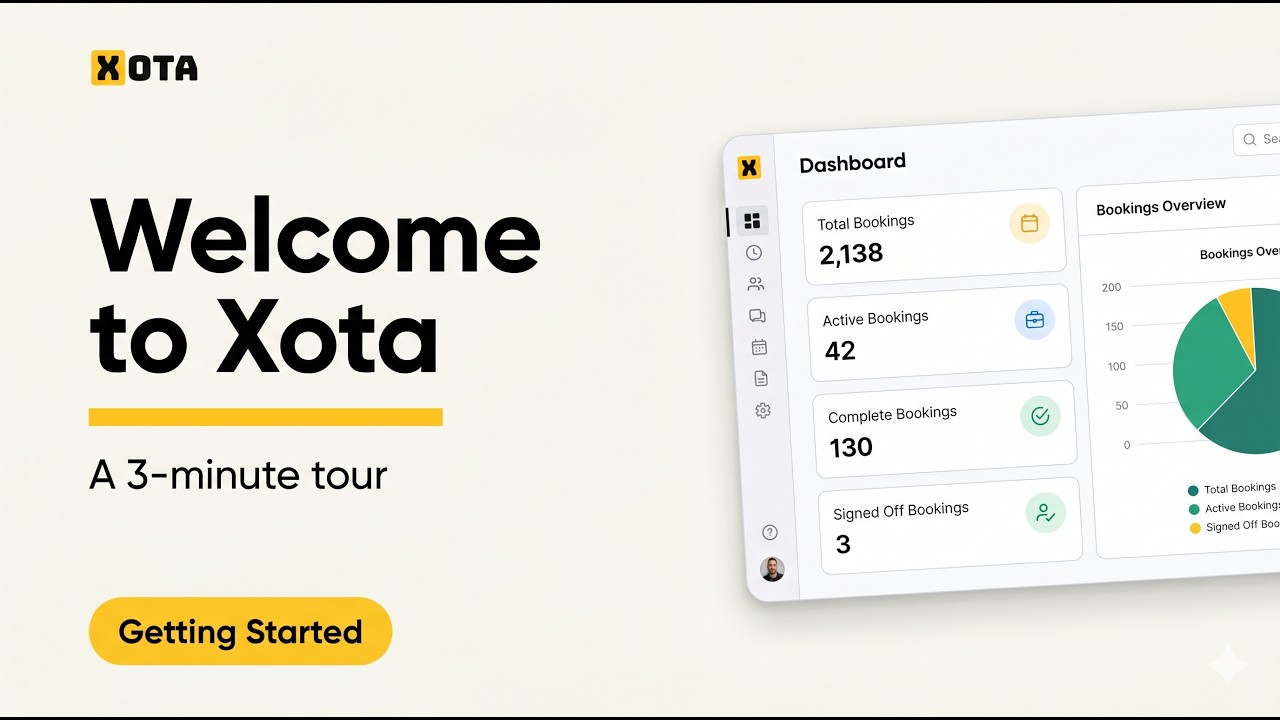
Welcome to Xota — the 3-minute tour
What Xota is and what we’re going to build together: company → project → booking → sign-off. Meet the main menu and pick up where to find help.
Setting up your organisation
Org name, logo, working hours, currency and terminology. Rename “Projects” to “Jobs” or “Bookings” to “Shifts” in one click.
Inviting team members and understanding roles
Owner, Admin, Scheduler, Operative, Client — who sees what. Send, resend and revoke invitations.

Adding your first company (client)
The client record — industry, contact details, address. Archiving vs deleting.

Adding contacts and giving a client portal access
Tie contacts to a company and flip the “give them app access” toggle. What the client sees when they log in.

Your first project
Client, dates, custom fields, brief and gallery. Inside a project: Bookings, Tasks and Issues tabs.

Your first booking
Timed vs untimed. Lifecycle from Draft through to Signed Off. Photos and signatures at completion.
The schedule — bookings, tasks and absence on one calendar
The showpiece. Week view, drag-and-drop to move bookings, inline absences, switching between Calendar and Timeline.